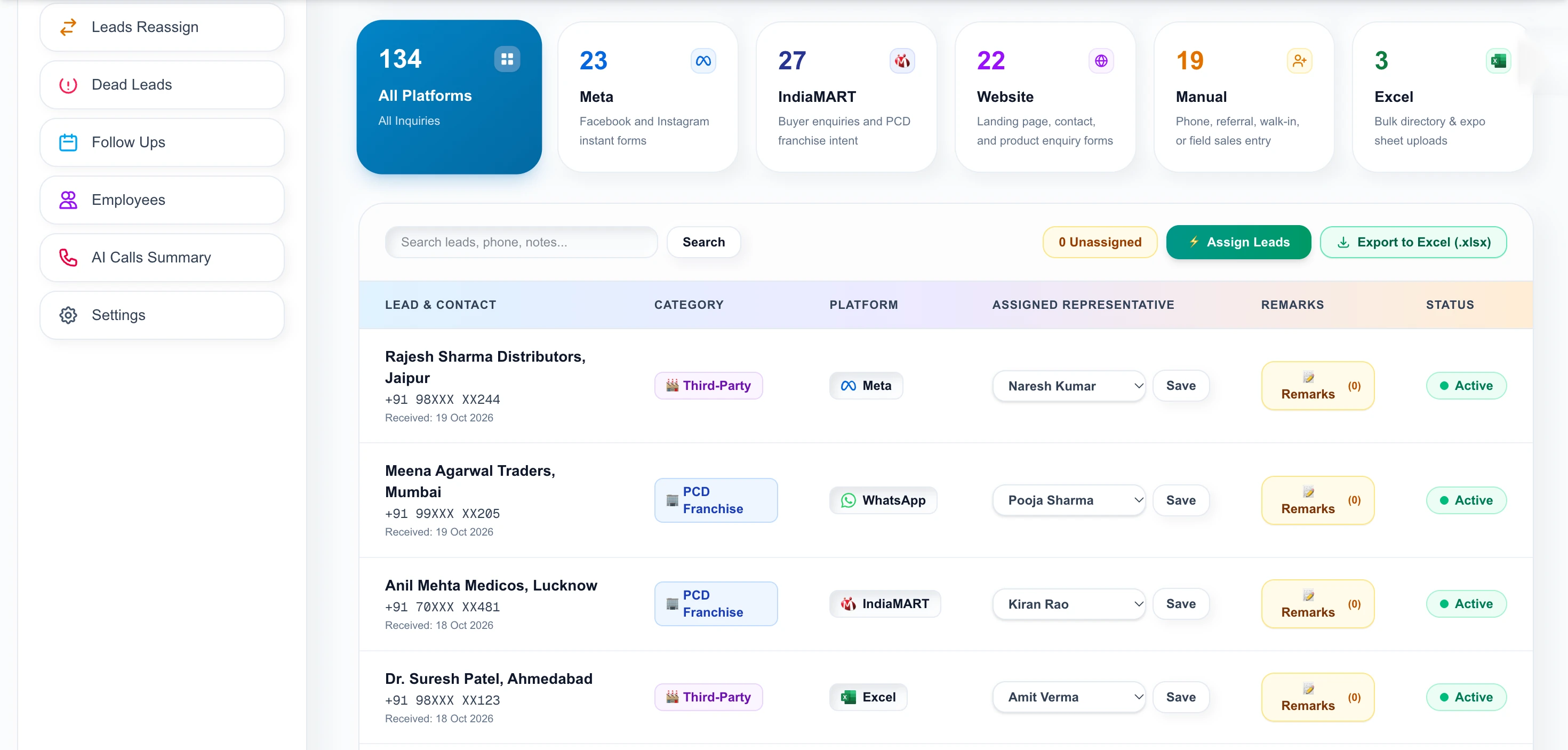
Expo lists, chemist directories and old spreadsheets go straight into the pipeline, de-duplicated by phone number and tagged so you know where each one came from.
Upload an Excel or CSV file of 5,000 or more records. Allota AI checks each phone number against existing leads, skips duplicates, tags the batch with a source label such as an expo name, and assigns the new leads. You can export the whole lead book to Excel in one click.
Excel or CSV, 5,000+ records in one go.
Each phone number is matched against existing leads.
New records tagged with your batch label.
Route to reps, export the lead book any time.
After an expo or a purchased directory, you hold a spreadsheet that nobody has time to clean, split between reps and track.
Sheets sit in folders and are never called.
The same distributor appears in three lists.
Weeks later nobody knows which expo a lead came from.
Upload an .xlsx, .xls or .csv file. Records are matched on phone number so existing leads are not duplicated.
Export your full lead list to Excel in one click whenever you need a report or a backup.
Twenty minutes, screen shared. We open a real call brief and walk the workspace — no slide deck.
| Typing leads in | Copy-paste | Allota AI import | |
|---|---|---|---|
| 5,000 records | Days | Hours, error-prone | One upload |
| Duplicates | Missed | Missed | Phone-matched |
| Source tag | Optional | Optional | Per batch |
| Formats | .xlsx · .xls · .csv |
| Size | 5,000+ records per upload |
| Duplicate rule | Phone-number match |
| Export | Whole lead book to Excel |
Imported leads are assigned and tracked.
Duplicates are blocked at the door.
Compare expo and directory lists to find what pays.
Last updated
IndiaMART buyer enquiries go cold fast. A practical process for getting them into one CRM, assigning them to reps and following up within minutes.
Read the guide →A checklist for following up PCD franchise enquiries: first response, qualifying questions, documents, reminders and when to mark a lead dead.
Read the guide →Eight practical questions for evaluating a pharma CRM in India, from Hinglish support and PCD territories to ERP fees and where your data lives.
Read the guide →Tell us your business name and a number. We will call you back, usually the same working day, and show Allota AI on a real call brief.

Workspace access is issued by your organization administrator. Share a few details and we’ll get your team onboarded.
Or pick a time for a demo call →